An MCP server for pentesting. Contributors wanted!
Documentation
mcp-pentest
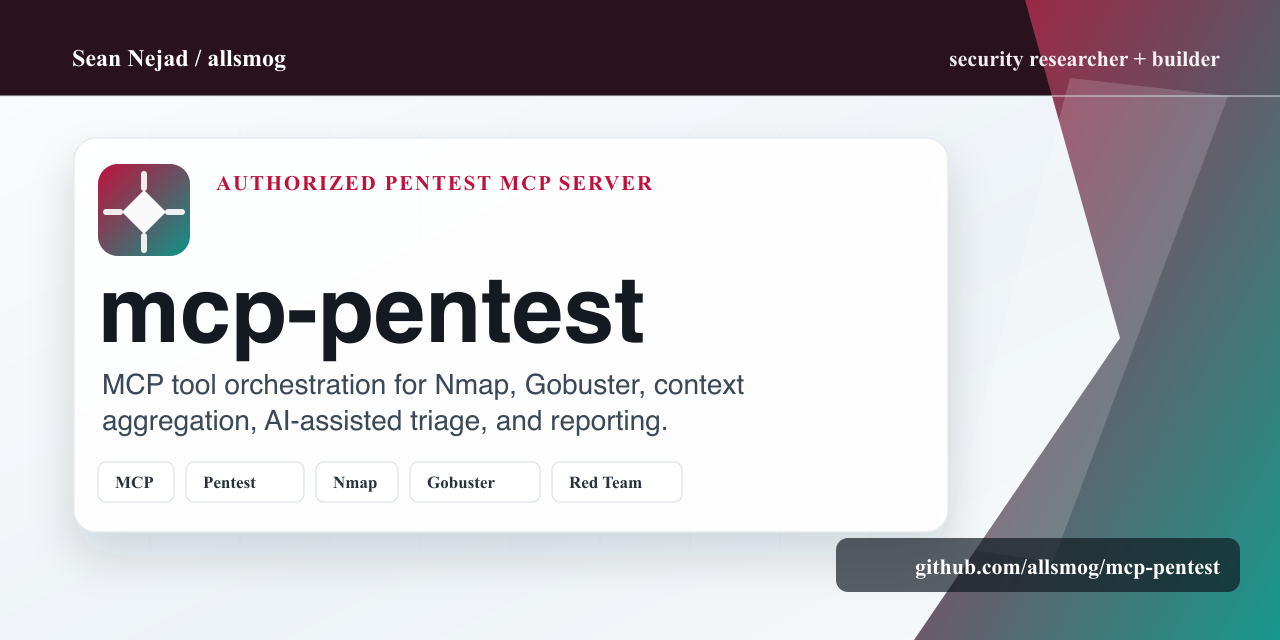
Authorized penetration-testing MCP server for AI-assisted security operators.
It orchestrates common assessment tools, normalizes engagement context, and
keeps the human pentester in control of scope, methodology, and reporting.
At a glance
| Area | What mcp-pentest provides |
|---|---|
| MCP surface | Local stdio server that exposes pentest tools to compatible AI clients |
| Tooling | Nmap, Gobuster, and extensible integrations for authorized assessments |
| Workflow | Reconnaissance, scanning, exploitation support, post-exploitation notes, and reporting |
| Output | Normalized scan events, engagement context, findings, and report-ready notes |
| Safety | Built for legal testing with explicit authorization and human operator control |
Status
mcp-pentest is in alpha and under active development. Contributors are welcome
for new tool integrations, UI/UX, documentation, testing, and reporting
workflows. See CONTRIBUTING.md for how to get started.
🔍 Overview
The Model Context Provider (MCP) is an open-source framework that bridges AI with penetration testing tools. MCP interfaces with a wide array of pentesting tools, parses and enriches their output in real-time, and strictly follows the standard penetration testing process. It guides human pentesters through each phase – from reconnaissance and scanning to exploitation, post-exploitation, and reporting – aligning with established methodologies.
⚠️ Disclaimer: This tool is intended for legal security testing with proper authorization. Misuse of this software for unauthorized access to systems is illegal and unethical.
✨ Key Features
- Methodology Enforcement: Ensures each engagement progresses through proper phases (reconnaissance → scanning → exploitation → post-exploitation → reporting) in order.
- Real-time Context Aggregation: Captures tool outputs, normalizes the data into a unified engagement context, and stores it for analysis.
- LLM-Powered Insights: Leverages a large language model to interpret findings and provide guidance during the engagement.
- Seamless Tool Integration: Acts as a middleware layer that hooks into major pentest tools, converting their results into a common event format.
- Secure Data Handling: Enforces strict security on processed data, including sanitization when interacting with the LLM.
- Reporting and Knowledge Retention: Logs all findings and actions in a structured format for report generation.
🏗️ Architecture
MCP is built on a microservices-based, event-driven system deployed in a containerized environment:
- Core Context Processing Engine: Central brain that aggregates and normalizes data from all tools
- AI-Powered Attack Path Analyzer: Identifies potential attack paths and prioritizes targets
- Plugin-Based Integration Framework: Extensible system for interfacing with external tools
- Secure Logging & Reporting Module: Maintains engagement logs and produces reports
- Real-Time LLM Query Interface: Provides natural language interface for querying findings
- Role-Based Access Control: Enforces security across all operations
🧰 Integrated Tools
MCP currently integrates with the following tools:
Network Scanning & Enumeration
Web Enumeration
Exploitation & Post-Exploitation
- Metasploit Framework: Exploitation framework
Password Attacks
- Hydra: Network login brute-force tool
- John the Ripper: Offline password cracker
Privilege Escalation
- LinPEAS: Linux Privilege Escalation enumeration script
🚀 Getting Started
Prerequisites
- Python 3.8+
- Nmap (for network scanning)
- Gobuster (for web enumeration)
- Proper authorizations and scope definitions for penetration testing
Installation
1. Clone this repository:
git clone https://github.com/allsmog/mcp-pentest.git
cd mcp-pentest
2. Install the MCP server:
pip install -e .3. Install required dependencies:
pip install mcpTesting with Claude Desktop
1. Add this MCP server to your Claude Desktop configuration. Edit your claude_desktop_config.json:
{
  "mcpServers": {
    "mcp-pentest": {
      "command": "python",
      "args": ["/path/to/mcp-pentest/server.py"],
      "env": {}
    }
  }
}
2. Restart Claude Desktop
3. You should now see the penetration testing tools available in Claude Desktop. Try commands like:
- "Run an nmap scan on 127.0.0.1"
- "Perform a gobuster directory scan on https://httpbin.org"
- "Show me the latest scan events"
Manual Testing
You can also test the server directly:
# Run the MCP server
python server.py

# The server will communicate via stdio using the MCP protocol
See our documentation for complete API references and examples.
📋 Project Roadmap
Here's what we're currently working on:
- [ ] Completing core Context Engine implementation
- [ ] Finishing initial tool integrations
- [ ] Building the AI-powered attack path analyzer
- [ ] Developing the web UI
- [ ] Creating comprehensive test suite
- [ ] Adding additional tool integrations
- [ ] Implementing report generation
We welcome contributions to any of these areas!
🤝 Contributing
Contributions are welcome and appreciated! Please see CONTRIBUTING.md for guidelines.
How You Can Help
We're particularly looking for help with:
1. Tool Integrations: Adding support for more security tools
2. Testing: Real-world testing and bug reporting
3. Documentation: Improving and expanding guides
4. UI Development: Building the web interface
5. AI Components: Enhancing LLM integration and attack path analysis
Adding New Tool Integrations
We especially welcome contributions for new tool integrations. See our Tool Integration Guide for how to add support for additional tools.
💬 Community
- Issues: Use GitHub issues for bug reports and feature requests
- Discussions: GitHub discussions for general questions and ideas
📜 License
This project is licensed under the MIT License - see the LICENSE file for details.
🔐 Security Considerations
Given the nature of this tool, please be especially mindful of security:
- Never commit credentials, API keys, or sensitive information
- Always follow responsible disclosure practices
- Ensure proper authorization before testing any systems
📚 Documentation
🙏 Acknowledgments
- Thanks to all the open-source penetration testing tools this project builds upon
- Special recognition to the security researchers and tool developers who inspire this work
Similar MCP
Based on tags & features
Trending MCP
Most active this week