An MCP server to allow claude and other LLM's to take screenshots using Urlbox.
Documentation
Urlbox MCP Server
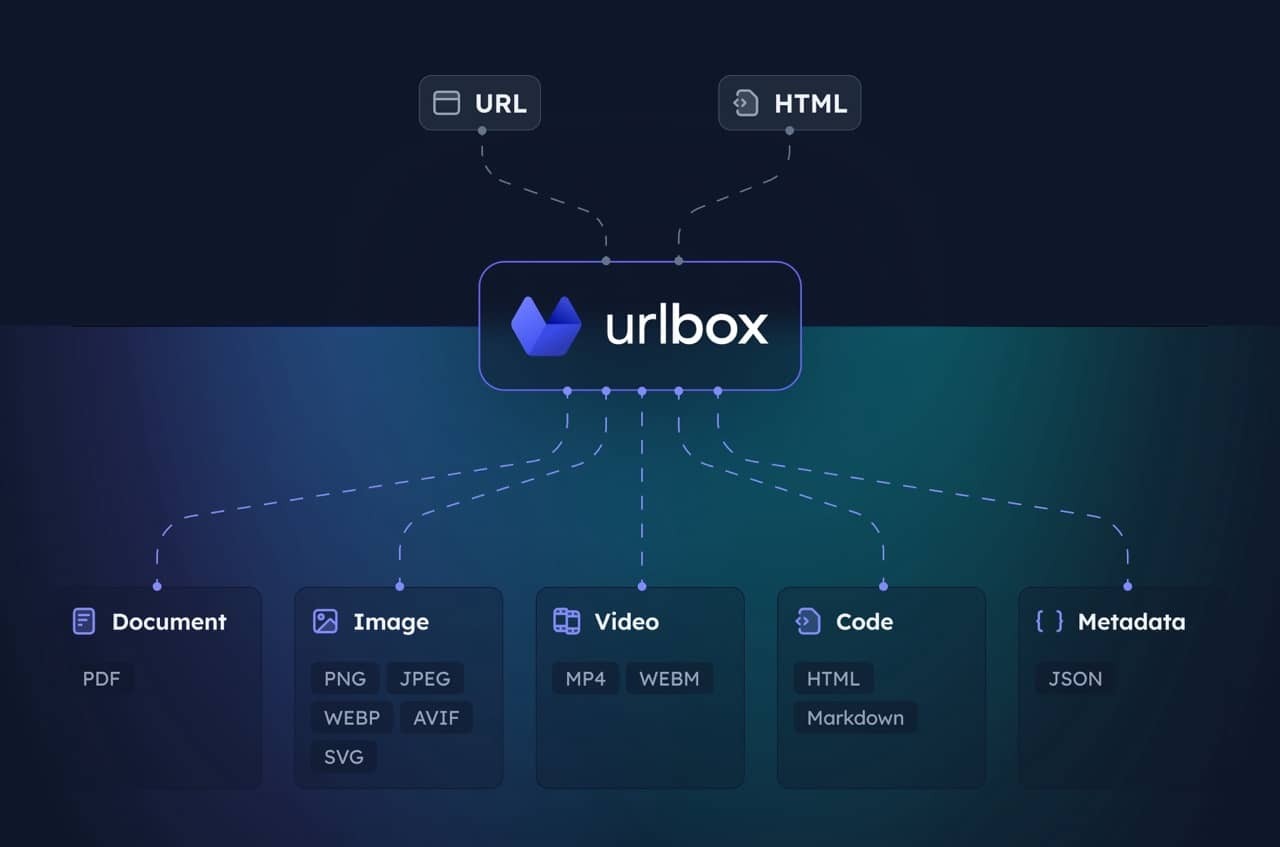
MCP server for the Urlbox Screenshot API. Enables your client to take screenshots, generate PDFs, extract HTML/markdown, and more from websites.
Visit Urlbox for more information, and have a read of our docs or chat with your LLM post install to get a good understanding of its options and capabilities.
Setup
1. Install dependencies and build:
npm install
   npm run build
2. Get Urlbox API credentials:
- Sign up at urlbox.com
- Get your API Secret from the dashboard
3. Set environment variables:
claude_desktop_config.json
{
  "mcpServers": {
    "screenshot": {
      "command": "npx",
      "args": ["-y", "@urlbox/screenshot-mcp"],
      "env": {
        "SECRET_KEY": "your_api_key_here"
      }
    }
  }
}
Usage
The server provides a render tool that can:
- Take screenshots in multiple formats (PNG, PDF, MP4 and more)
- Convert pages to HTML, markdown
- Extract metadata and cookies
- Save files locally to your downloads with
store_renders: true
Claude will automatically use this when you ask it to screenshot websites or convert web content.
Useful prompts
Take a clean screenshot without ads or cookie banners:
Take a screenshot of https://example.com but block ads and hide cookie bannersScreenshot and save side renders like HTML/markdown:
Take a screenshot of https://example.com and also save it as HTML and markdown. Download the result to my computer.Generate a PDF of the full page:
Convert https://urlbox.com to a PDF and save it to my computer. Make sure to generate a PDF that has an outline and is tagged.Similar MCP
Based on tags & features
Trending MCP
Most active this week