A Python-based Azure CLI assistant that provides natural language processing capabilities for Azure commands, leveraging Azure MCP Server.
Documentation
Azure Terminal Copilot
A Python-based Azure CLI assistant that provides natural language processing capabilities for Azure commands, leveraging Azure MCP Server.
Prerequisites
- Python 3.11+ (as specified in pyproject.toml)
- Azure CLI installed and configured
- Ollama with a model downloaded
- uv for Python package management
- Azure MCP server installed and running
Installation
1. Clone the repo
git clone https://github.com/yourusername/azure-terminal-copilot.git
    cd azure-terminal-copilot
1. Open the terminal and Start a virtual env with uv
uv venv1. Install packages using uv
uv pip install .1. Run Ollama and make note of its local address
1. Run Azure MCP server and make note of its local address
1. Rename .env-sample to .env
1. I provided dummy values there so make sure to update with the values that correspond to your locally running ollama, Azure MCP, and model you want to use
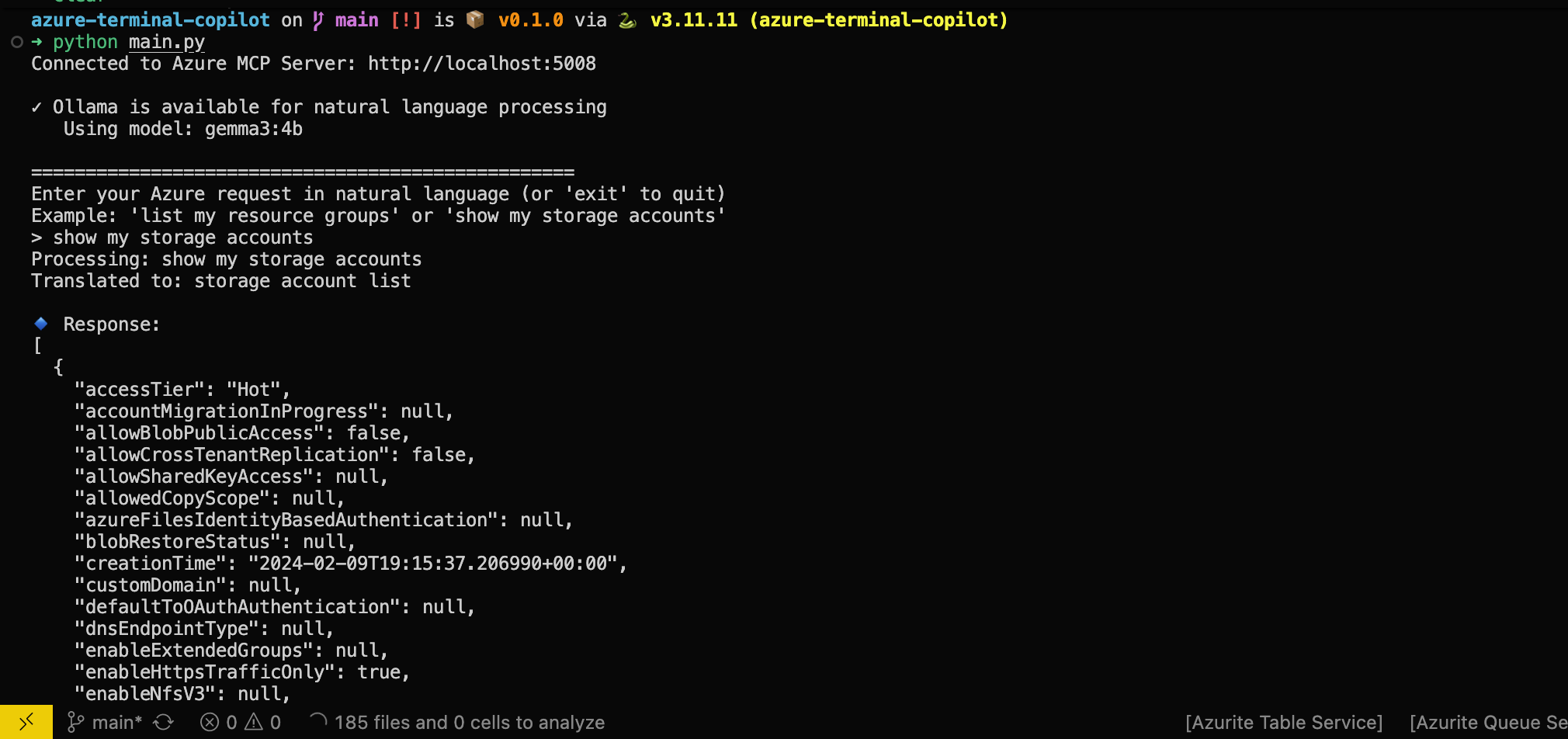
1. Now you can run python main.py
Learning
Once the program is running, try a few things:
1. Try providing a query like 'list all my resource groups', is the command you expect to be executed being ran?
1. Try different models, notice which ones perform better?
1. Try tweaking the system prompt, how would you improve it?
Troubleshooting
- Make sure your azure cli is logged in, azure MCP uses that as auth
License
This project is licensed under the MIT License - see the LICENSE file for details.
Similar MCP
Based on tags & features
Trending MCP
Most active this week