SImple MCP server to manage your aranet4 device and local db.
Documentation
aranet4-mcp-server

MCP server to manage your Aranet4 CO2 sensor. Built upon Aranet4-Python.
[!TIP]
For the standalone python version without MCP logic, see aranet4-archiver.
Features:
- Scan for nearby devices.
- Fetch new data from embedded device memory and save to a local sqlite db for tracking and later viewing. For automatic updates, see at the bottom.
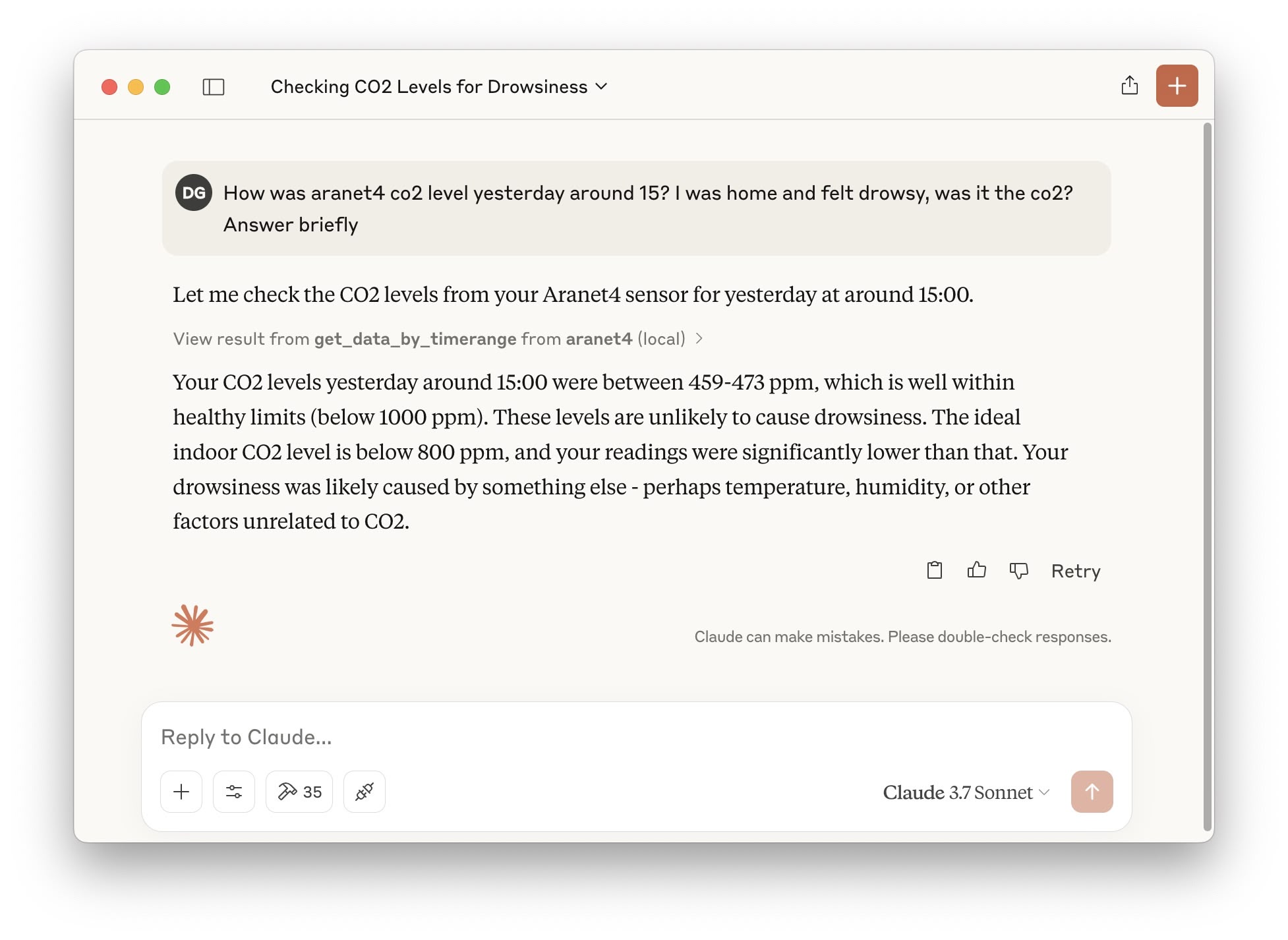
- Ask questions about recent measurements or about a specific past date.
- *[For MCP clients that support images]* Ask data to be plotted to also have a nice visualization!
- Assisted configuration! 💫 After installation, just ask
init aranet4in your client to set up everything for the mcp server to work with your device.
Requirements
An Aranet4 device already paired. The device uses BLE, so it won't be shown in regular bluetooth search. On MacOS, one way is to install LightBlue from the App Store.
Installation
1. Clone repo:
git clone git@github.com:diegobit/aranet4-mcp-server.git`
    cd aranet4-mcp-server
2. Prepare environment:
- **Recommended (with uv)**: Nothing to do. The provided
pyproject.tomlhandles dependencied and virtual environments. - Alternative (with pip): install with
pip install .
3. Add to MCP client configuration:
"aranet4": {
      "command": "{{PATH_TO_UV}}", // run `which uv`
        "args": [
          "--directory",
          "{{PATH_TO_SRC}}/aranet4-mcp-server/",
          "run",
          "src/server.py"
        ]
}- Claude Desktop MacOS config file path:
~/Library/Application Support/Claude/claude_desktop_config.json - Cursor MacOS config file path:
~/.cursor/mcp.json
4. Configure:
- Recommended (AI assisted config!): start your client and ask
init aranet4to get a guided configuration. - Alternative (manual): edit file
config.yaml. You need to provide the mac address and the device name. You can get the mac address witharanetctl --scanfrom Aranet4-Python (installed with this repo dependencies).
Dockerfile
Dockerfile is available. Remember to pass env variables or update config.yaml.
List of tools
Configuration and utils:
init_aranet4_config: assisted configuration of device.scan_devices: scan nearby bluetooth aranet4 devices.get_configuration_and_db_stats: get current config.yaml and general stats from the local sqlite3 db.set_configuration: set values in config.yaml.
To update historical data:
fetch_new_data: fetch new data from configured nearby aranet4 device and save to local db.
To query historical data:
get_recent_data: get recent data from local db. Can specify how many measurements.get_data_by_timerange: get data in specific timerange from local db. Can specify how many measurements (careful, if the range is big and the limit is low, datapoints will be skipped).
For both, ask to receive a plot to have it generated and displayed.
Automatic data fetch job
If you want your local db to always be updated, you can setup a cronjob or a launch agent that fetches data automatically every few hours. In MacOS, do as follows:
1. Configure absolute paths in com.diegobit.aranet4-fetch.plist.
2. Install LaunchAgent:
cp com.diegobit.aranet4-fetch.plist ~/Library/LaunchAgents/
   launchctl load ~/Library/LaunchAgents/com.diegobit.aranet4-fetch.plist
For other platforms, just run fetch-job.py periodically however you prefer.
Similar MCP
Based on tags & features
Trending MCP
Most active this week